
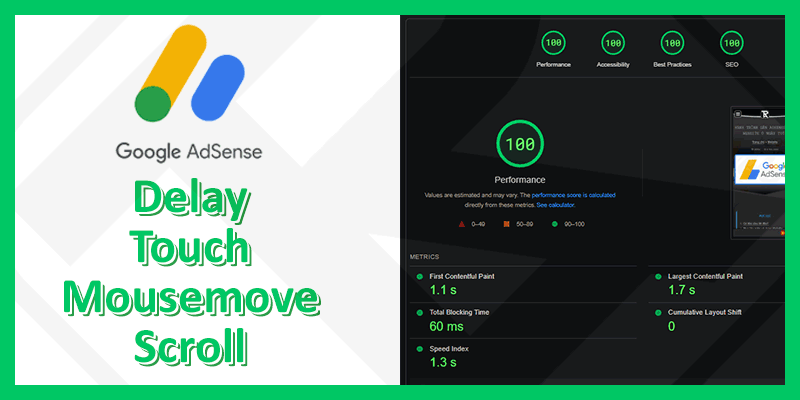
When it comes to AdSense a lot, you will be afraid to attach it to your Website. Because it affects website loading speed and reduces Google's PageSpeed Insights score.
Website rankings on search engines have also dropped since then.
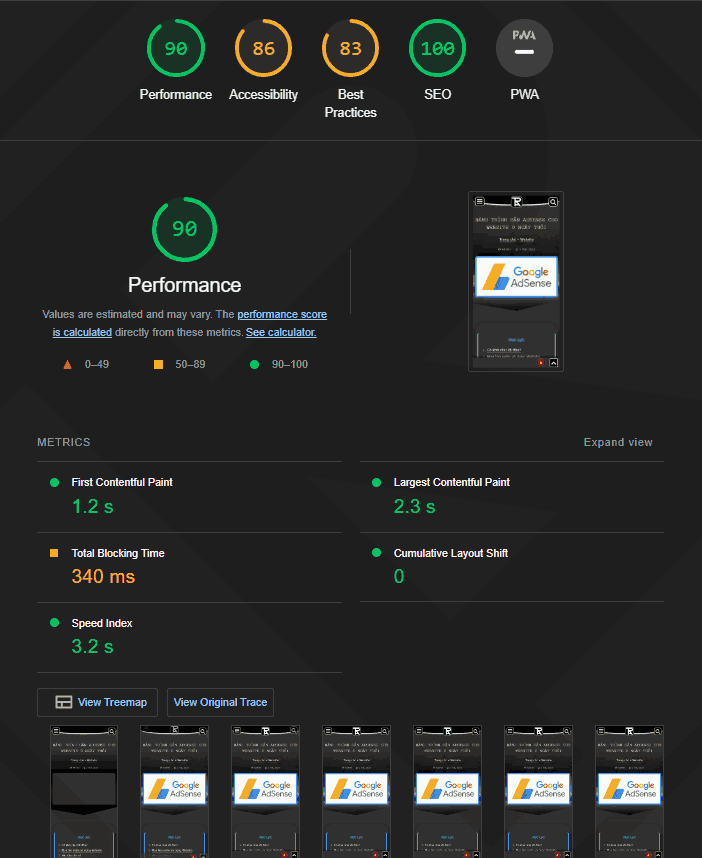
Speed before optimizing AdSense
Access Page Speed insights or Lighthouse tool in Chrome browser to check Website speed when AdSense is not optimized.
AdSense delay
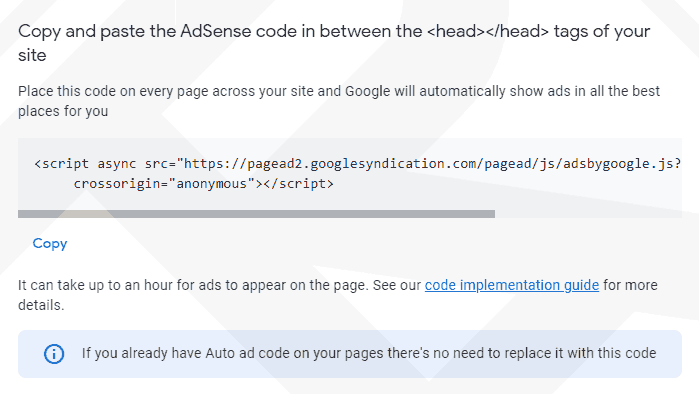
Instead use the embed code AdSense provides. I will use the technique setTimeout in JavaScript to delay execution of the following AdSense code 3.5 seconds.
The trade-off of Delay JS is that advertising revenue will definitely decrease if the time a user views your page is less than “3.5 seconds + the number of seconds it takes to load the page”.
For Units ads you just need to paste the tag <ins> to the position to display without having to add the <script>.
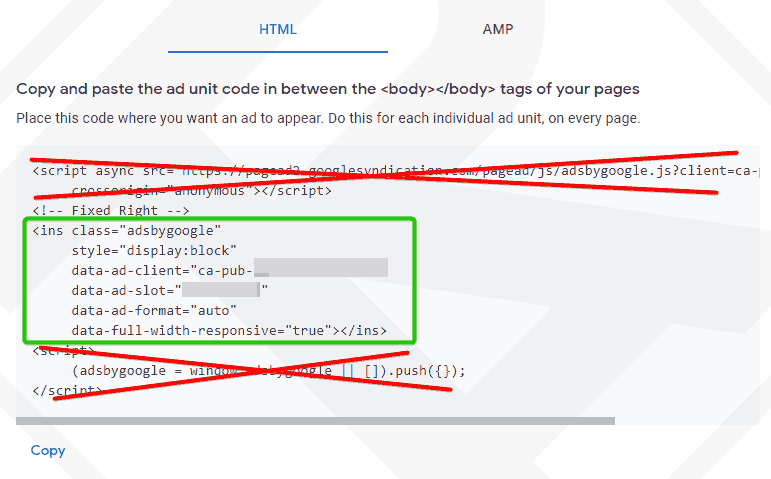
Here is the JavaScript code with the Delay function that executes AdSense:
window.addEventListener("load", () => {
	setTimeout(function () {
		// Load adsbygoogle.js after 3,5s
		var script_adsense = document.createElement('script');
		// Replace "src" with the url provided for you by AdSense
		script_adsense.src = 'https://pagead2.googlesyndication.com/pagead/js/adsbygoogle.js?client=ca-pub-YOURCODE';
		script_adsense.setAttribute('crossOrigin', 'anonymous');
		document.body.appendChild(script_adsense);
		// Push multiple Ads
		jQuery('.adsbygoogle').each(function () { (adsbygoogle = window.adsbygoogle || []).push({}); });
	}, 3500);
});
You can apply this code to all Ad types provided by Google AdSense, including "Auto ads" and "Ad units" without having to repeat the functions. push({}).
You can use plugins Code snippets to paste this code at the bottom of the page and before the closing tag </body> to ensure that the ad is fully displayed.
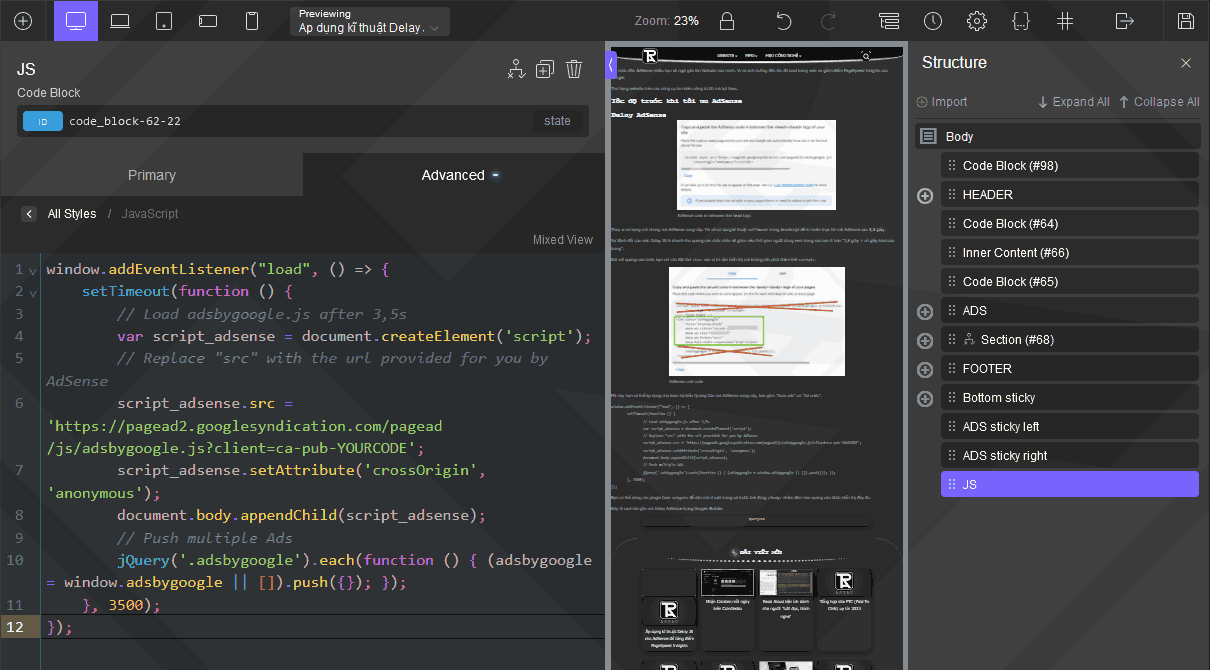
This is how I put the AdSense Delay code in Oxygen Builder.
New way. Use event capture technique
In the process of writing this tutorial. Reminds me of the JavaScript event catching function.
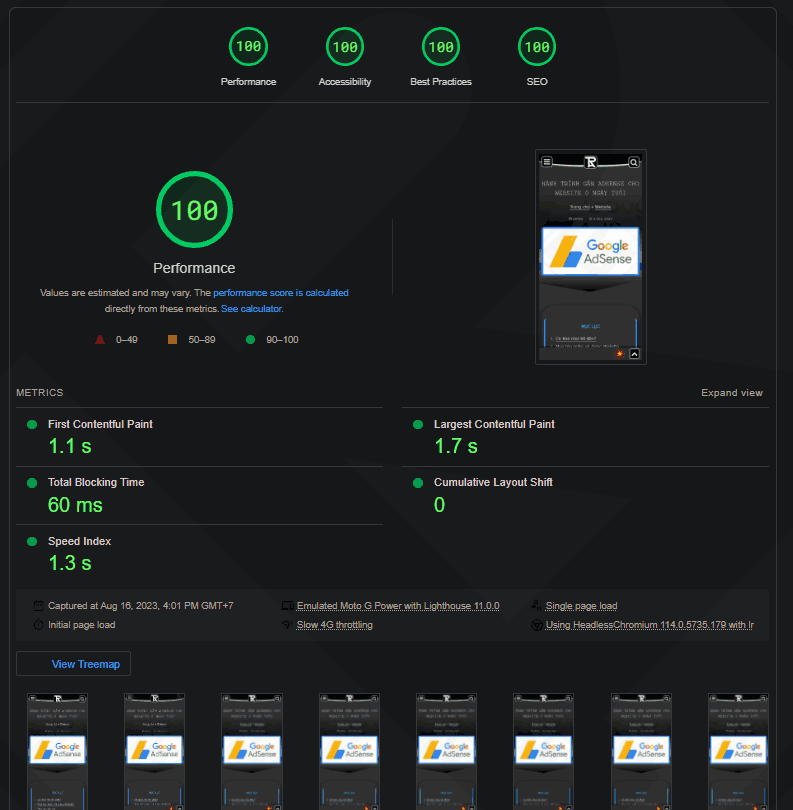
So started rewriting the code and testing the speed. Surprisingly, this approach achieves the same absolute score as the 3.5s delay, but the ad is still loaded early when the user interacts.
Because I use Wordpress and the jQuery file is preloaded, I wrote the jQuery code to keep it short:
jQuery(window).one("touchmove.adsense mousemove.adsense scroll.adsense", () => {
	// Load adsbygoogle.js
	var script_adsense = document.createElement('script');
	// Replace "src" with the url provided for you by AdSense
	script_adsense.src = 'https://pagead2.googlesyndication.com/pagead/js/adsbygoogle.js?client=ca-pub-YOURCODE';
	script_adsense.setAttribute('crossOrigin', 'anonymous');
	document.body.appendChild(script_adsense);
	// Push multiple Ads
	jQuery('.adsbygoogle').each(function () { (adsbygoogle = window.adsbygoogle || []).push({}); });
	// Turn off events
	jQuery(window).off(".adsense");
});
After completing and the results for both ways are scored 100/100 like when not attached AdSense.



Comment