
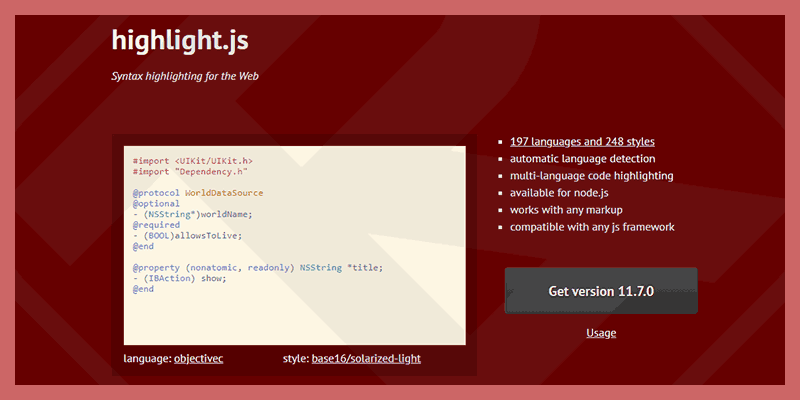
I have used many syntax highlighting plugins in wordpress. However, these plugins are not satisfied. Especially the feature automatic highlight syntax instead of having to edit each article to create "Block highlight" or having to add attr attributes like class.
After a while, I found HighlightJS.
About HighlightJS
This is a syntax highlighting tool written in JavaScript that supports more than 180 languages. It does not depend on any other framework and has automatic language detection.
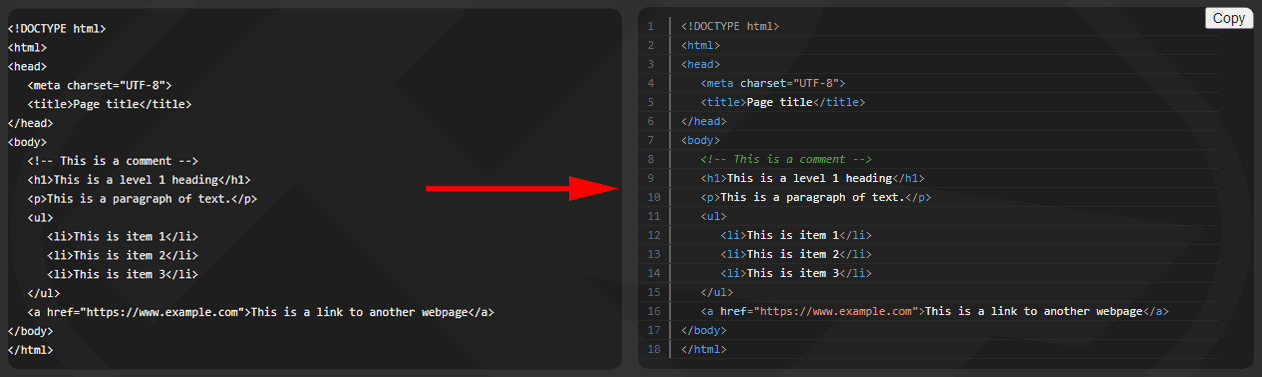
Here is an example html file before and after using Highlight.JS.
Basic usage
Automatic code marking
To use it, you need to embed 2 js and css files in your website for HighlightJS to work. Code hljs.highlightAll() By default, it will automatically find and highlight the code inside the tag <pre> <code>.
<link rel="stylesheet" href="https://cdn.jsdelivr.net/gh/highlightjs/cdn-release@latest/build/styles/default.min.css">
<script src="https://cdn.jsdelivr.net/gh/highlightjs/cdn-release@latest/build/highlight.min.js"></script>
<script>hljs.highlightAll();</script>
Manual code marking
If you want to specify a specific language you want, you can use the attribute class=”language-xxx” for tag <pre>, <code> there.
<code class="language-php">...</code>
<pre class="language-css"><code>...</code></pre>
Ignore code block markup
To completely skip marking a block of code, use class="nohighlight".
<code class="nohighlight">...</code>
<pre class="nohighlight"><code>...</code></pre>
Advanced usage
According to the developer, by default it only detects the language and color, and does not have options like line numbers or copy buttons.
However, we can still do it thanks to the DEVs on github developing more features.
Numbering Line Numbers
To add numbering you need to embed additional files highlightjs-line-numbers.js
<script src="https://cdn.jsdelivr.net/npm/highlightjs-line-numbers.js@latest/dist/highlightjs-line-numbers.min.js"></script>Then call the function hljs.initLineNumbersOnLoad() right behind hljs.highlightAll()
<script>
  hljs.highlightAll();
  hljs.initLineNumbersOnLoad();
</script>
Code copy button
I just found this extension at highlightjs-copy. You can refer to more to customize according to your own will.
Like Line Numbers, you need to embed JS and CSS files to customize the copy button.
<script src="https://unpkg.com/highlightjs-copy/dist/highlightjs-copy.min.js"></script>
<link rel="stylesheet" href="https://unpkg.com/highlightjs-copy/dist/highlightjs-copy.min.css" />
Unlike line numbers, you should set the function hljs.addPlugin(new CopyButtonPlugin()) before hljs.highlightAll()
<script>
  hljs.addPlugin(new CopyButtonPlugin());
  hljs.initLineNumbersOnLoad();
</script>
Custom js and css files
You can load js, css files and save them internally in your website. It also has a language option for the user to create a separate JS file.
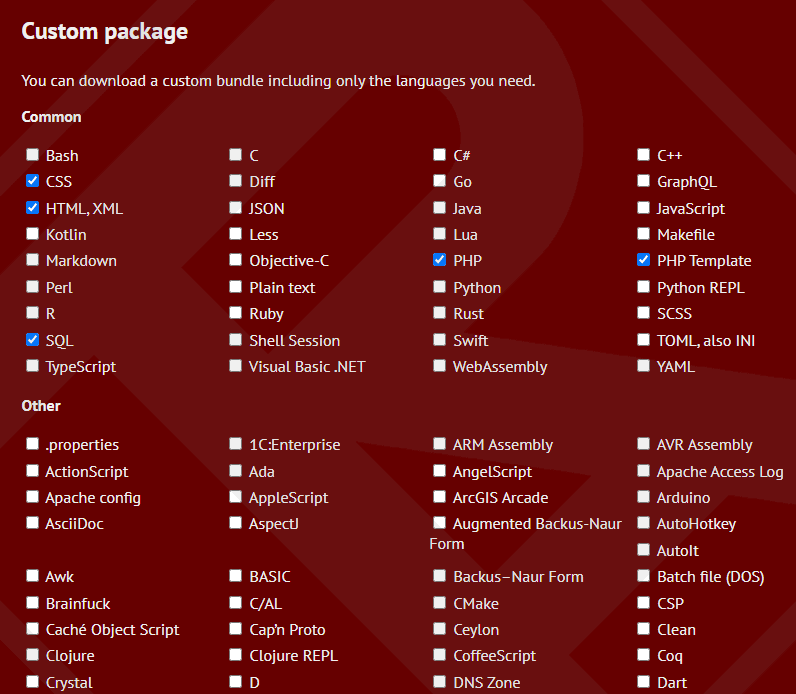
So is the CSS. You can choose the syntax themes according to your preferences at Styles Github.
Reference source: highlightjs.org



Comment