
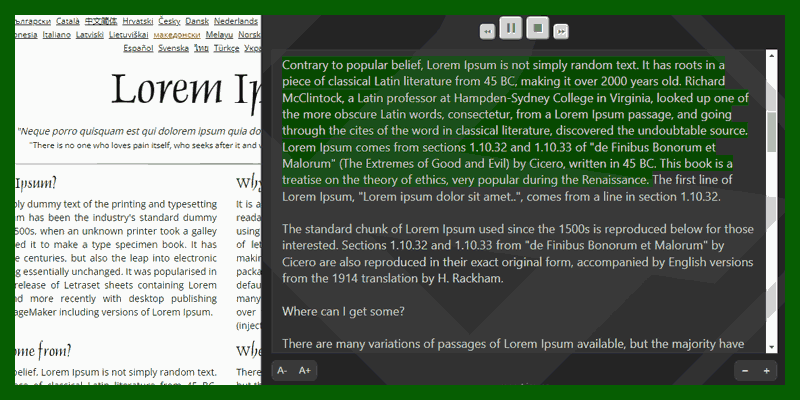
On the Google Chrome or Firefox store, there are many Extensions with similar functions but limited in the number of characters or some other features.
Introducing the Read Aloud utility
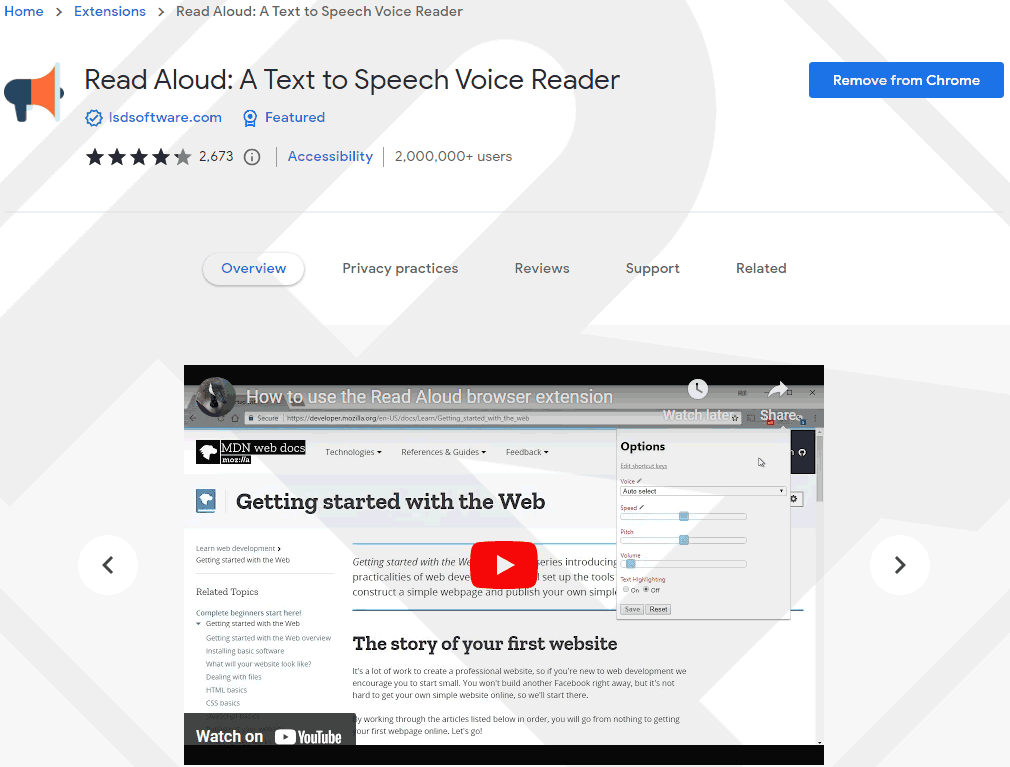
After a study of dozens of utilities, I chose the best Extension. That is Read Aloud. The extension helps to read any web page content, using Text To Speech (TTS). Supports more than 40 languages.
For those who like listen content instead of read, people with dyslexia, children are learning to read.
The utility allows you to customize many voice styles and speeds. The entire web page can be read or only the highlighted section can be read.
User manual
Download the Extension at This.
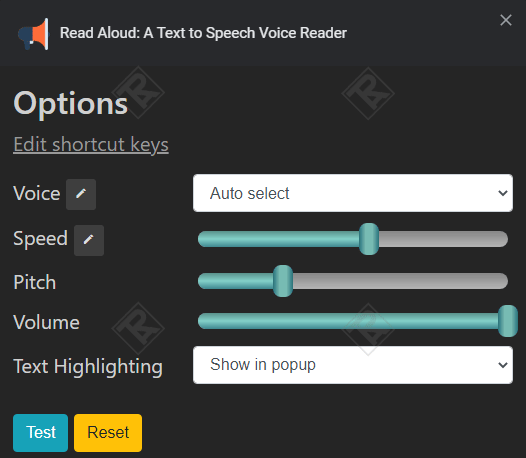
Step 1: Right click on the icon on the Extensions bar -> select “Options”.
Step 2: Customize speed, tone, volume as you like.
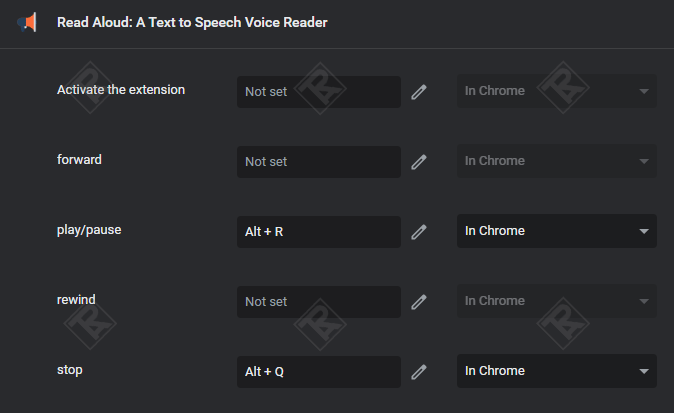
Step 3: Select “Edit shortcut keys” to create a shortcut.


Comment